Home
Computers, WiFi, Printing and Scanning
Bayside Libraries offer computer access, printing, photocopying and scanning services at all locations.
WiFi
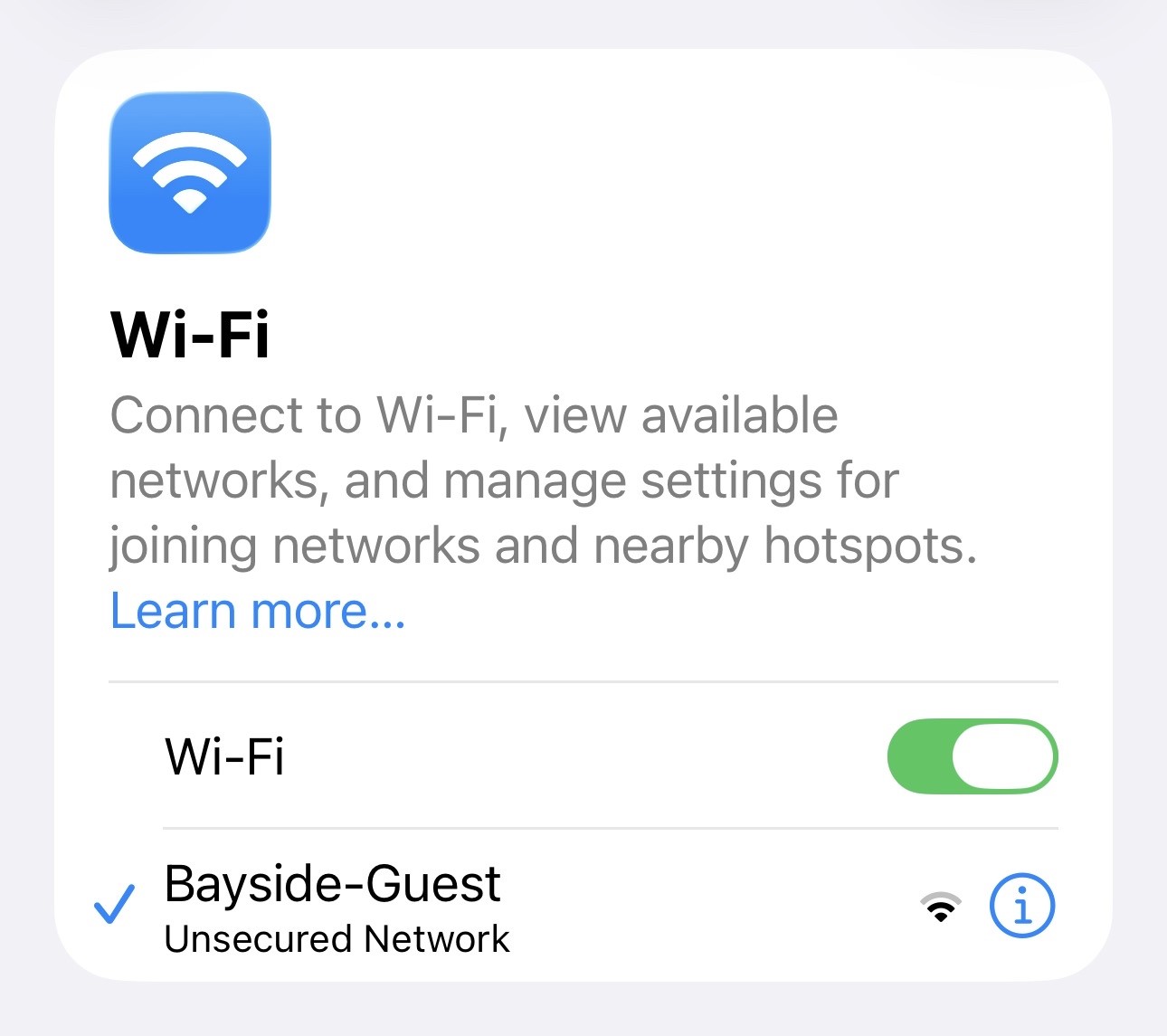
Free public wi-fi is available at all our libraries. The network is named Bayside Guest. Once you connect, you will need to open a browser and accept our conditions of use before you can access the internet.
Bayside Libraries Wireless User Agreement
Appropriate use of the internet is expected. Inappropriate use includes, but is not limited to:
Destruction of, or damage to equipment, software, or data belonging to Bayside Library or others.
- Display of offensive or inappropriate material. This can include, but is not limited to, pornography, hate sites, gratuitous violence and sites using frequent, highlighted offensive language.
- Intentional unauthorised copying of copyright-protected material or infringement of licence agreements and other contracts.
- The violation or attempted violation of any computer network's system security.
- The violation of the privacy of individuals or entities that are creators, authors, users or subjects of the information resources.
- Unauthorised monitoring of electronic communications.
- Inappropriate use of email services, such as spamming or bullying
Bring Your Own Device
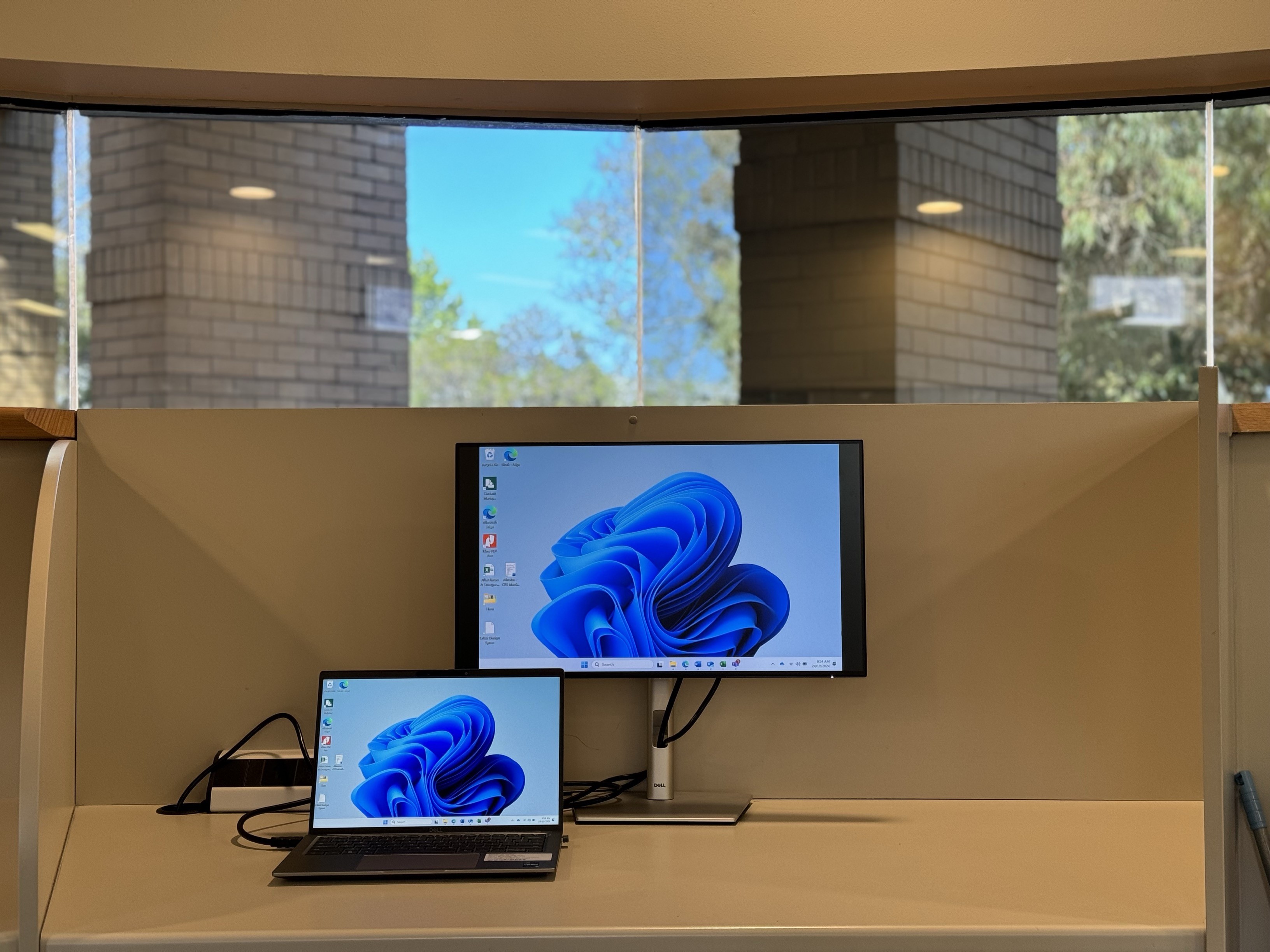
Bayside Libraries offer spaces for you to bring your own device, and plug into a monitor and peripherals.
There are BYOD spaces avaliable at Beaumaris, Brighton and Sandringham locations.
Desktop Computer Access
Find a PC
To reserve a time to use a computer at the Library, you will need a library membership.
Book in a time to use a Desktop Computer at the Library
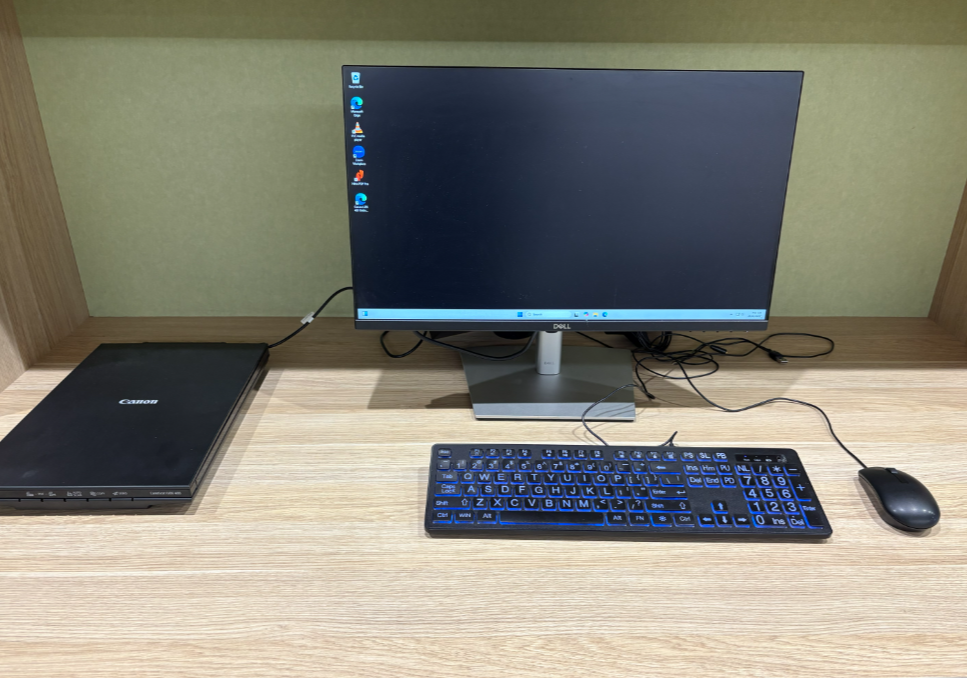
All our libraries provide access to PCs that use the Windows 11 operating system, with Microsoft Office and a range of browsers installed. Library members can use a computer for 2-hours per day
When using library computers, you must agree to the Internet Use Policy .
PCs are for independent use and we can only provide minimal support.
What software is on the Library PCs?
- Operating System : Windows 11
- Web Browser : Microsoft Edge
- Microsoft Office Suite
- Word
- Excel
- PowerPoint
- Publisher
- Microsoft 365 Office
- Other applications
- 3D viewer
- Adobe Acrobat
- Calculator
- Maps
- Mixed Reality Portal
- Paint 3D
- Skype
- Snip & Sketch
- Solitaire
- Sticky Notes
- Voice Recorder
Printing From a Desktop PC at The Library
Printing from a Desktop Computer at the Library
A4 and A3 paper sizes are available for printing.
Colour and black and white printing is available at all branches.
Wireless Printing
Wireless printing is available at all Bayside locations. Print from home, from your tablet, or from your smart phone and pick it up from the library at your convenience.
Please note:
- print jobs only stay in the system for 24 hours, and are then deleted permanently after that if not printed.
- if you do not have your 4-digit Princh code the print job cannot be released.
Upload your document
Choose which library you want to collect your printing from and click the link below.
How To Print from the Princh Mobile Web App📱
The Princh app is free and available available for iOS and Android. We recommend using this app if you want to submit print jobs to us using your mobile device.- Click on the relevant link below to install Princh on your device.
- For Android users: open the document you would like to print and select Princh as your printer. Click print.
- For iOS users: open the document you would like to print and select share. Share the document with Princh. This should prompt the Princh app to open.
- Enter in the ID
- Make changes to the print job settings and accept the terms and conditions.
- Enter in your email address and click 'submit print job'
Scanning
Scanning is free and available at all locations.
You can use scan documents and send them to your USB stick or Email.
Photocopying
A4 and A3 paper sizes are available for photocopying.
Colour and black and white photocopying is available at all branches.
3D Printing
Our Create, Play, Learn space offers 3D printing. You can submit your job to be printed with our online form.
Photos and Postcards
You can scan photos quickly and easily with the Epson FastFoto. This high-speed device is great for scanning documents in bulk and can be used either in The Library at our Beaumaris location, or borrowed to use at home.
Charges for Printing and Photocopying
| Format | Size | Cost |
| Black & White | A4 | $0.15 |
| Colour | A4 | $0.65 |
| Black & White | A3 | $0.25 |
| Colour | A3 | $0.85 |
| 3D Print Job | -- | $11.00 |
WiFi Image
BYOD image
Image
How to print from your device
How to scan at the library
